Moza R5 Installation Guide
Installation guide for Moza R5 base
Prepare the Bracket
Connect the universal bracket and supplementary bracket with two screws. Package includes: universal bracket, supplementary bracket, 5mm countersunk screws and square nuts.
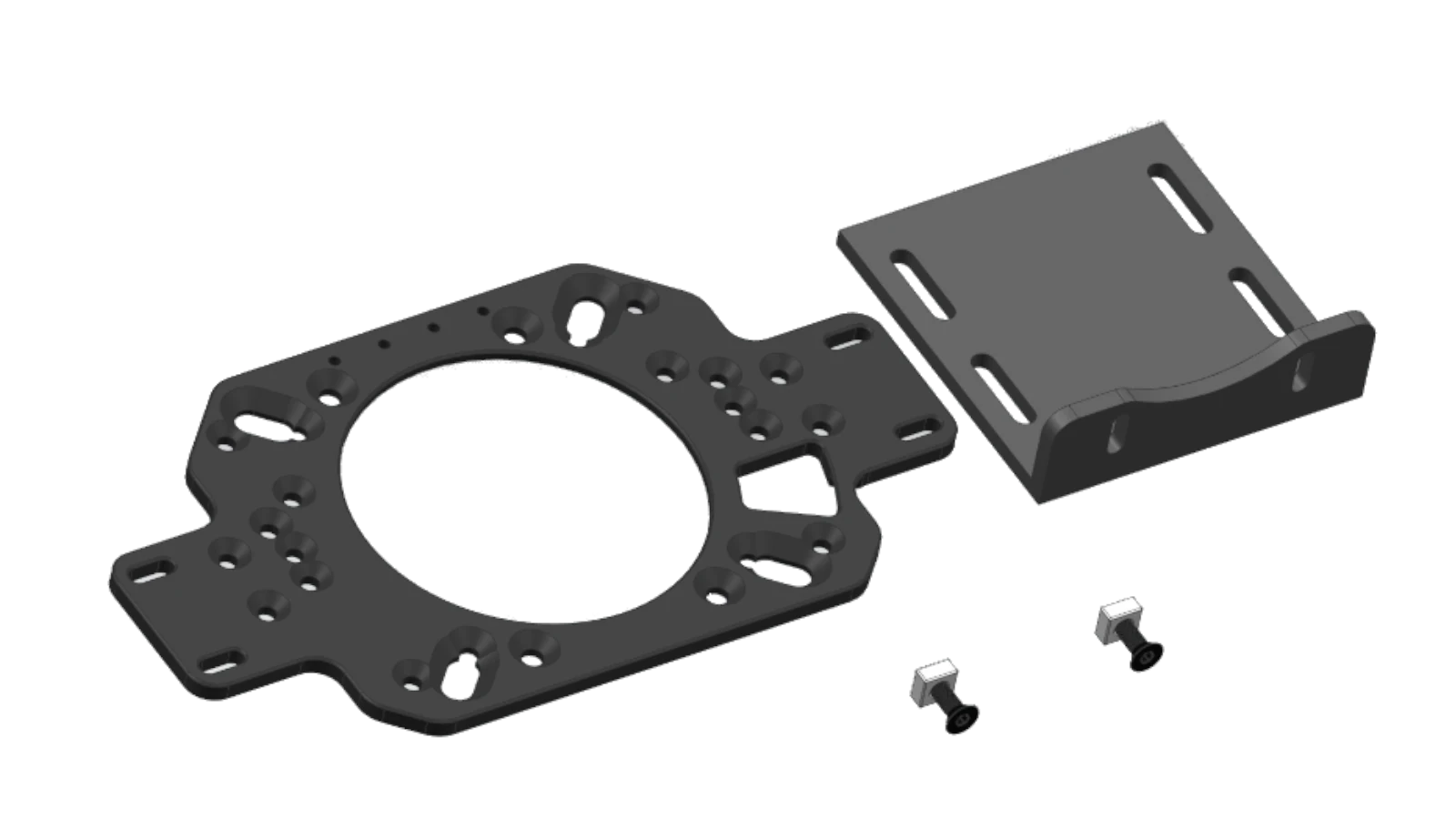
Assemble Bracket
Combine the bracket with the base. Connect the supplementary bracket to the base with screws, ensure the center circle of the universal bracket is aligned with the base axis center, tighten the 2 hand-tightened nuts on the back.
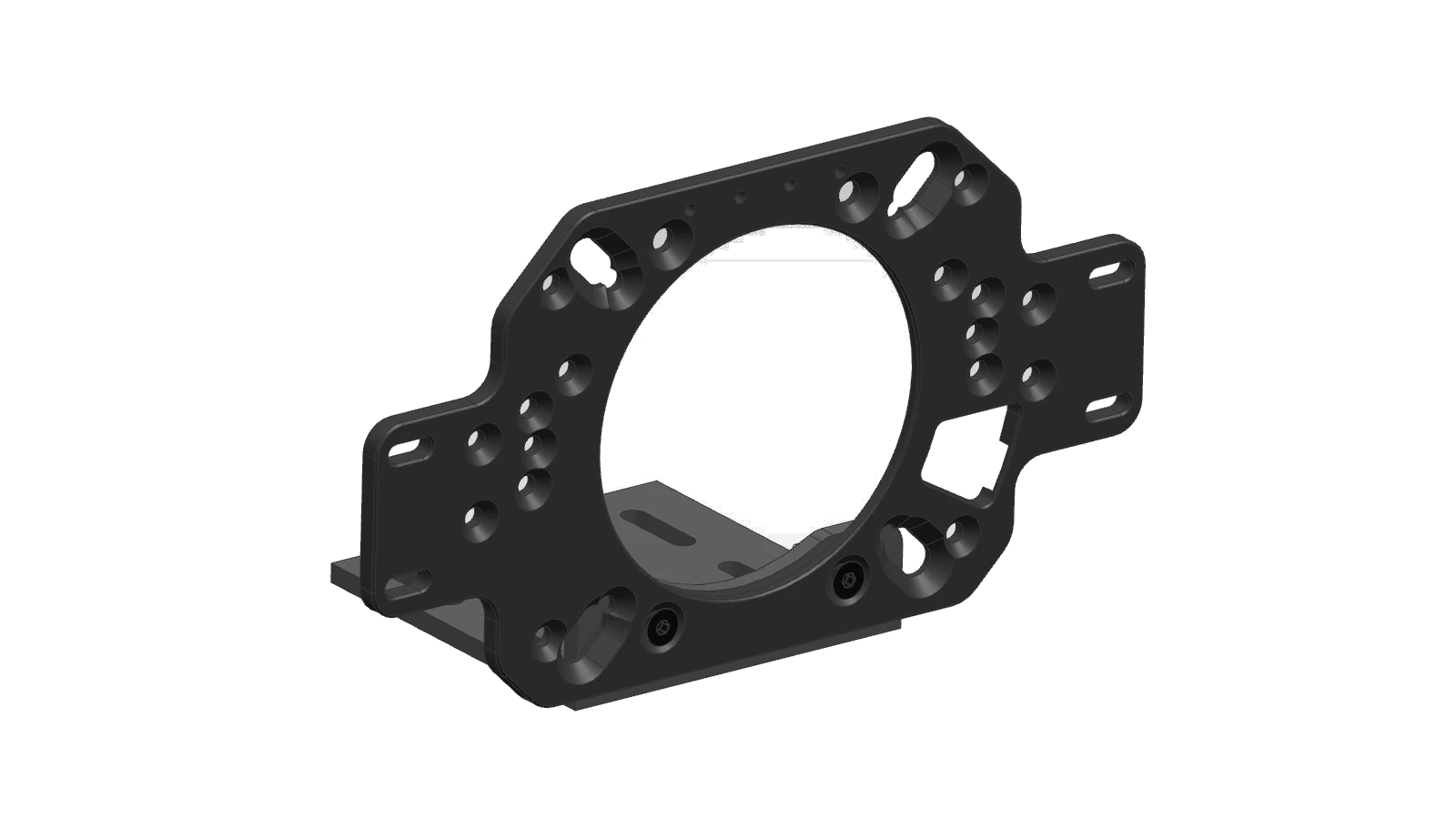
Install Bracket
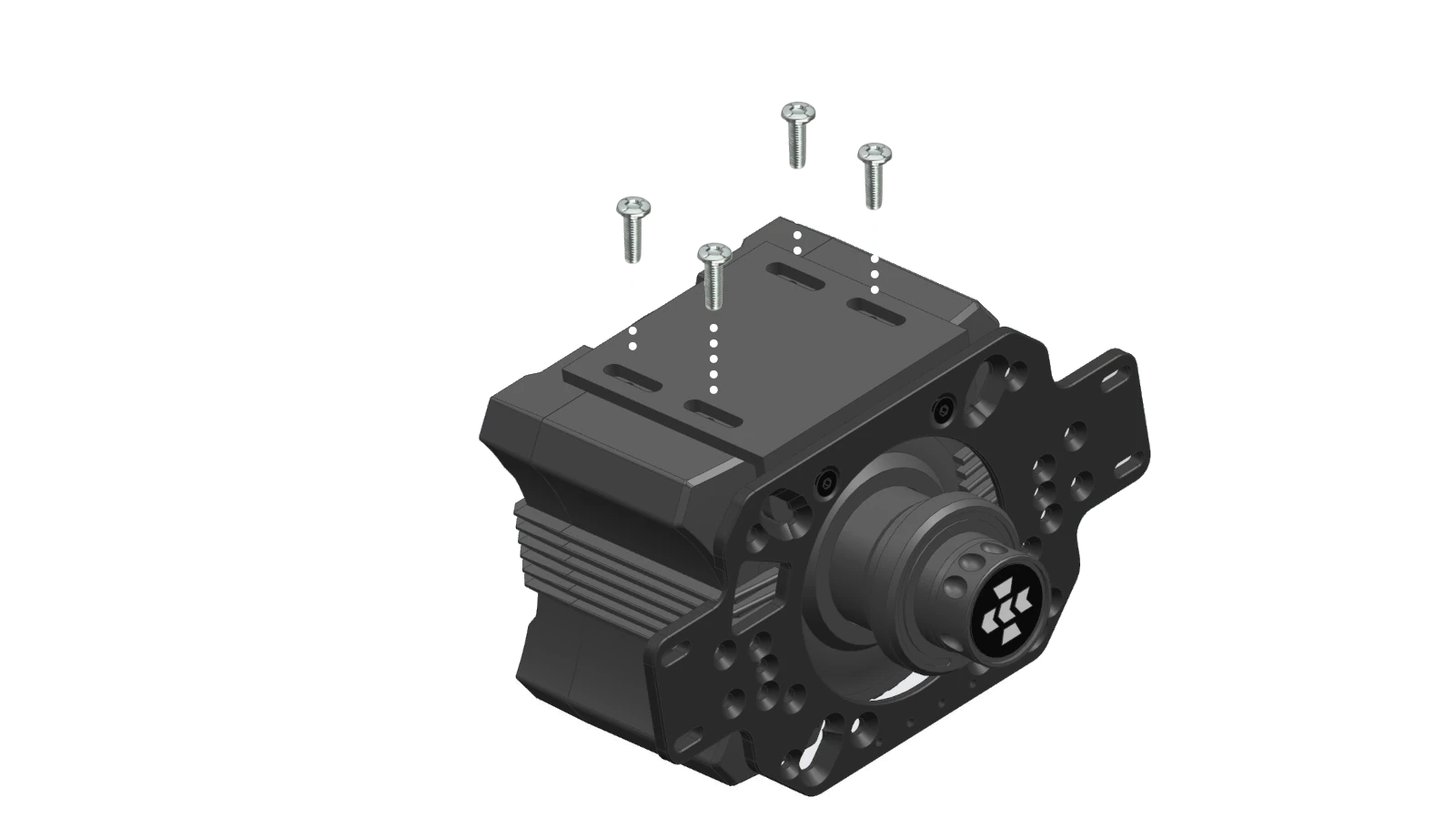
Align the bracket with the base, secure with screws at the bottom.
If your base is suspended, rotate the universal bracket to the angle shown in the picture (opening at bottom right).
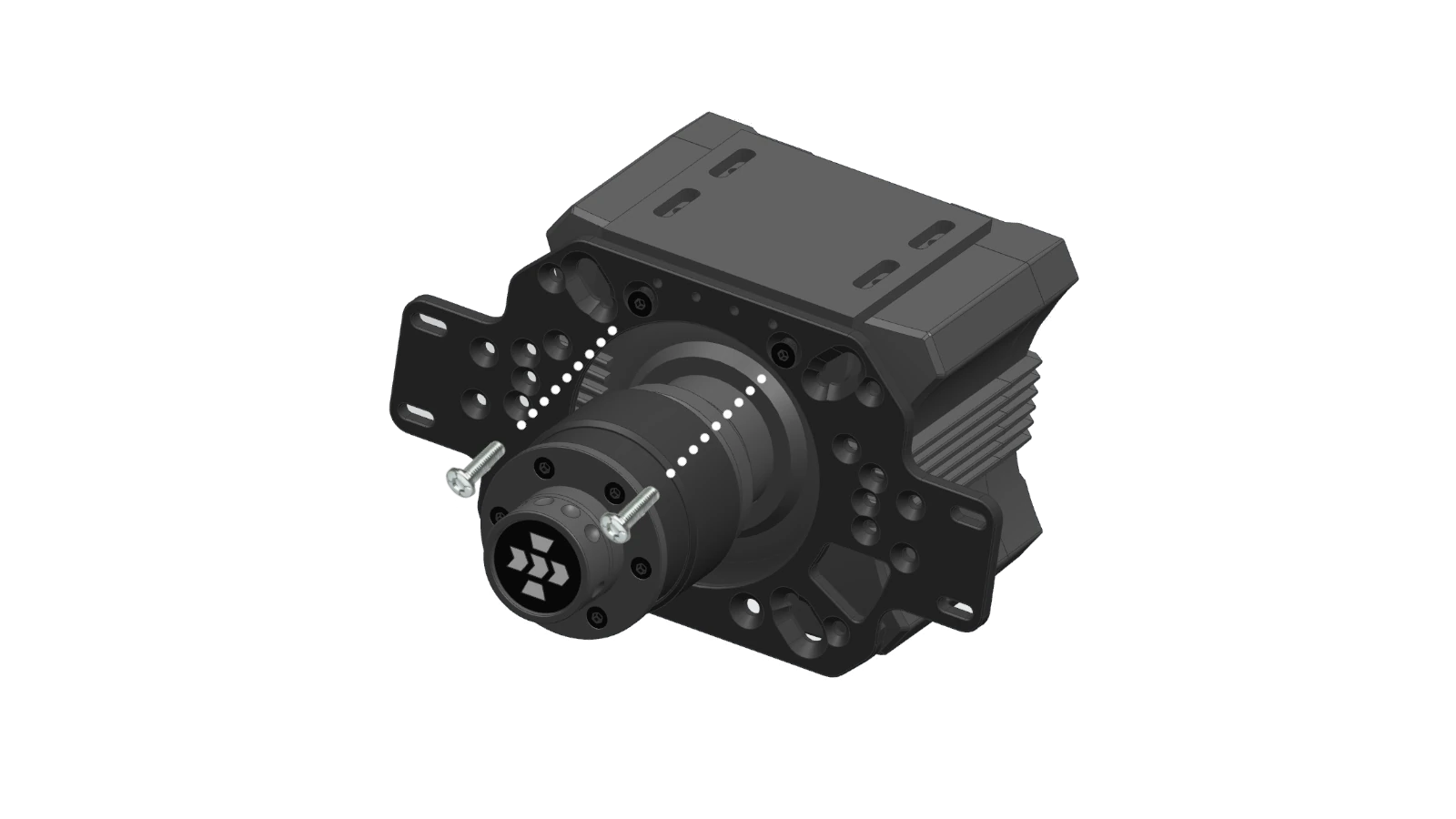
Position the Cam
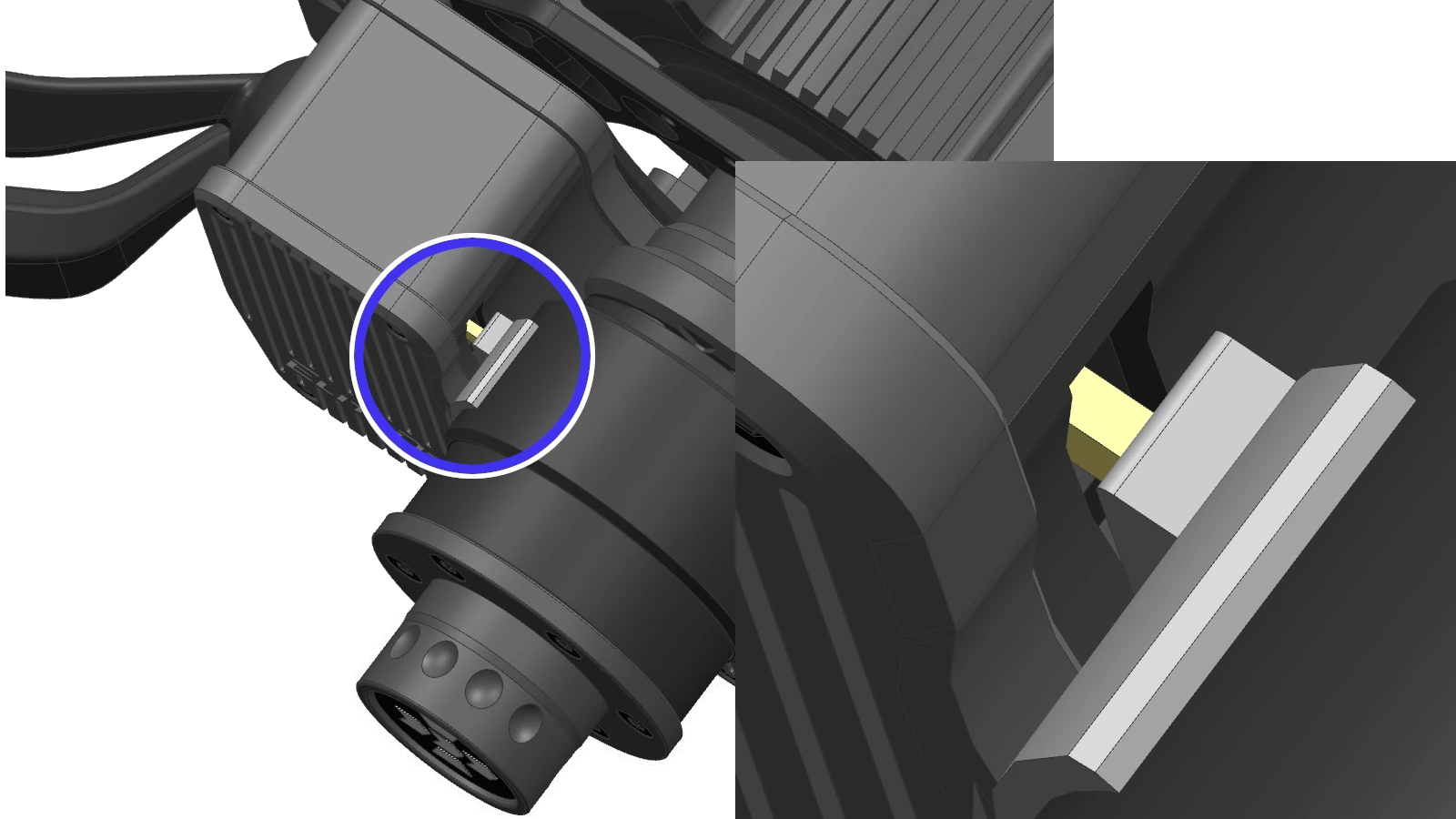
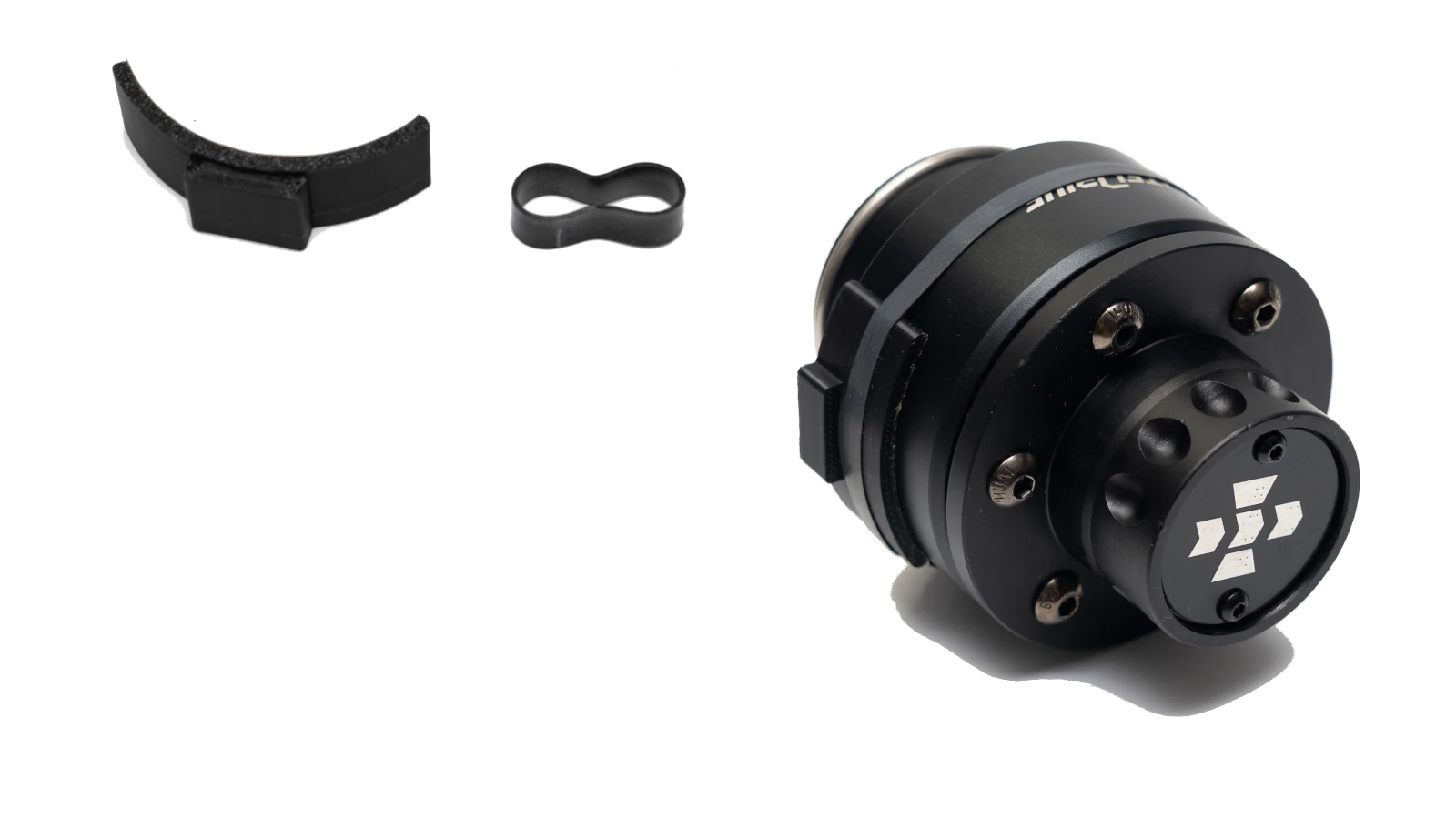
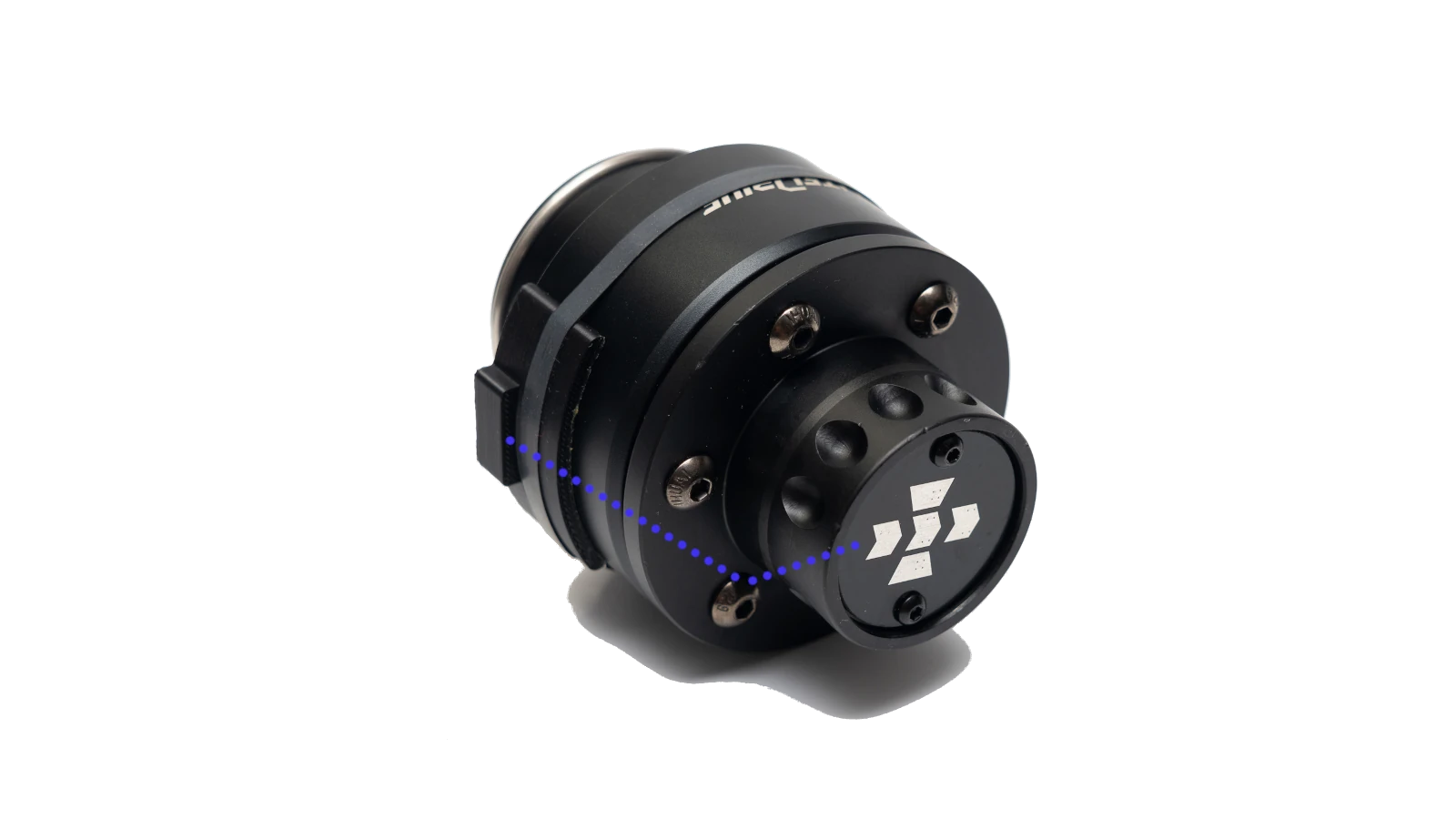
Attach the cam on the adapter, the cam has a trigger relationship with the pink/yellow tongue, install as shown in the picture. Only install one reset cam, peel off the adhesive tape and attach, pay attention to direction.
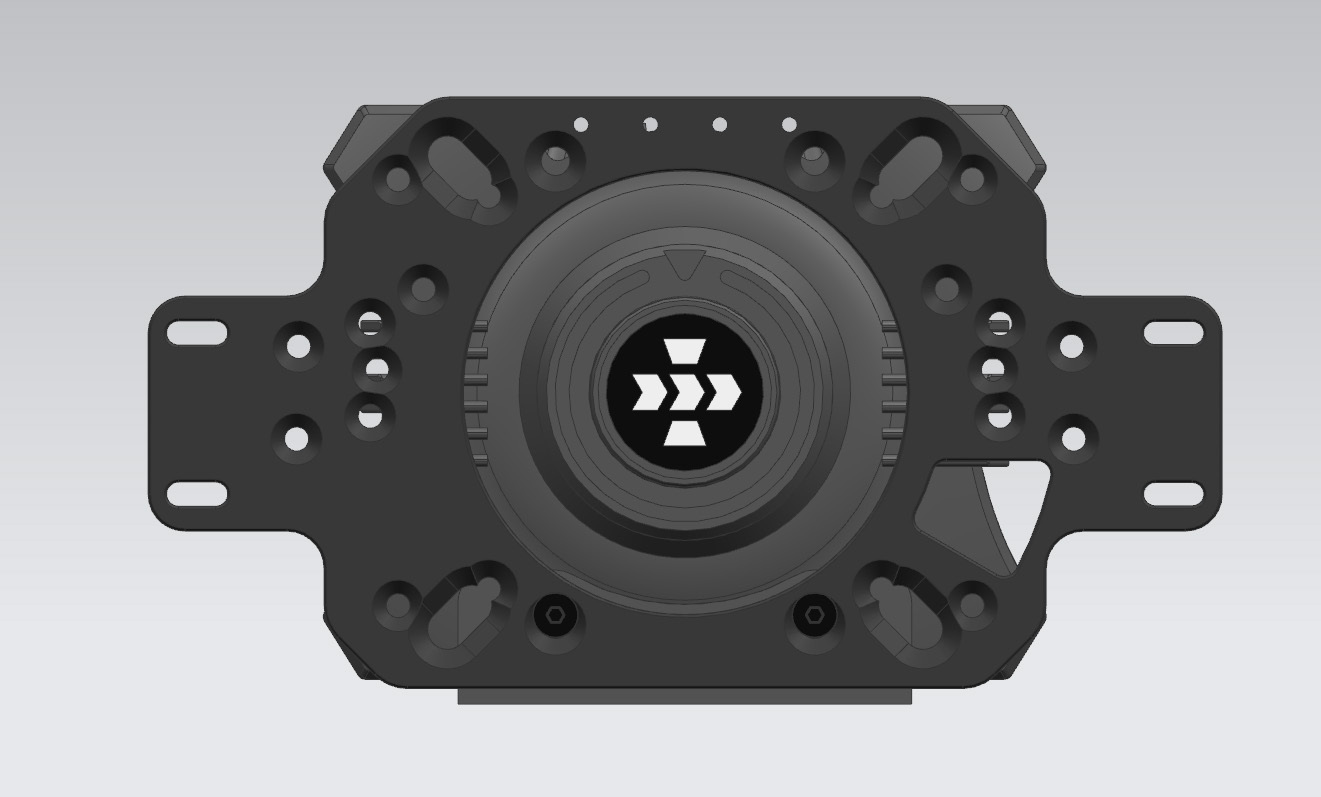
BlackHole Module Installation
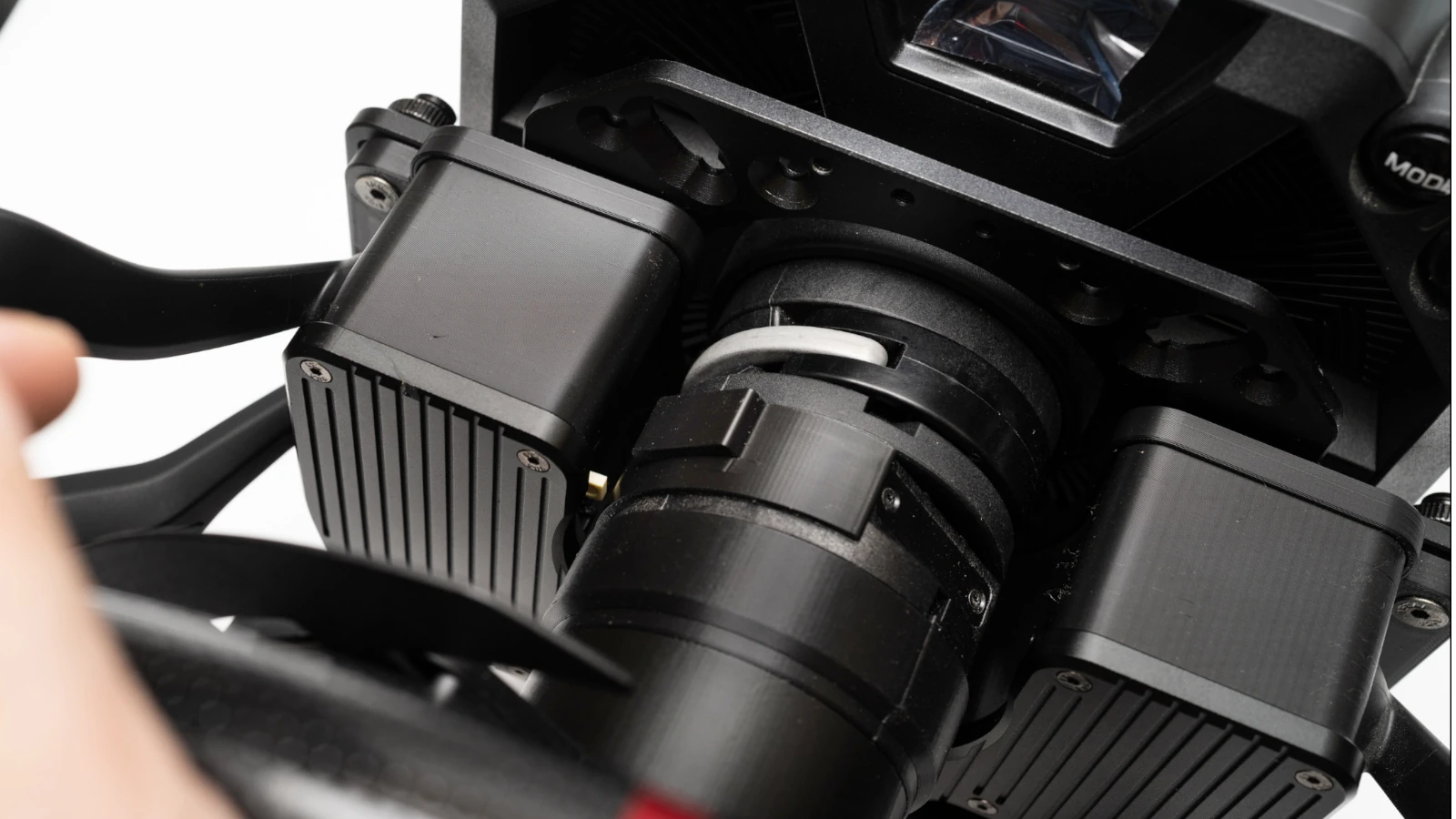
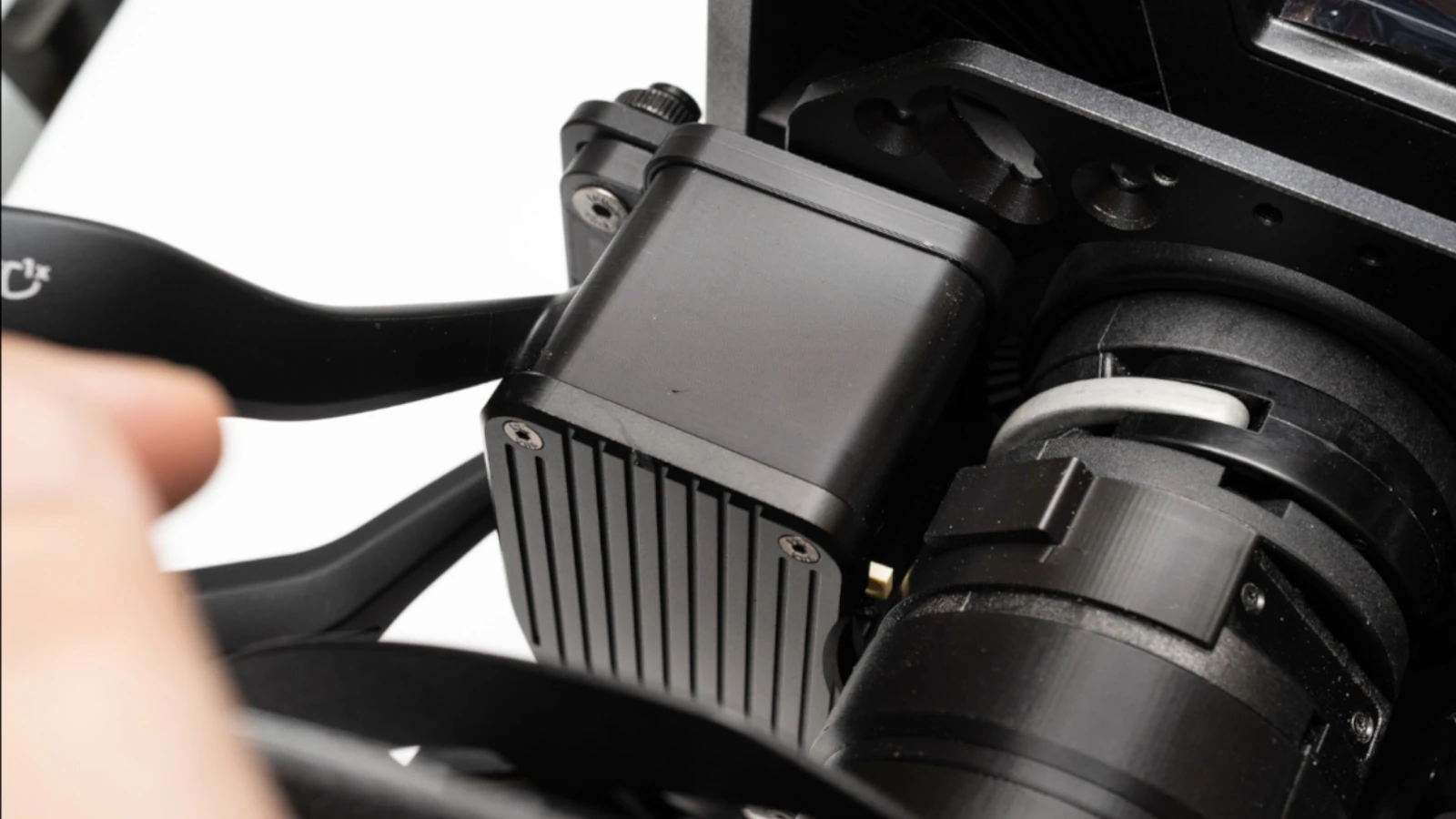
The BlackHole module can move left and right to improve the sensitivity of the turn signal lever reset cam. Adjust to the position that just allows the lever to reset, tighten the 4 fixing nuts on the back.
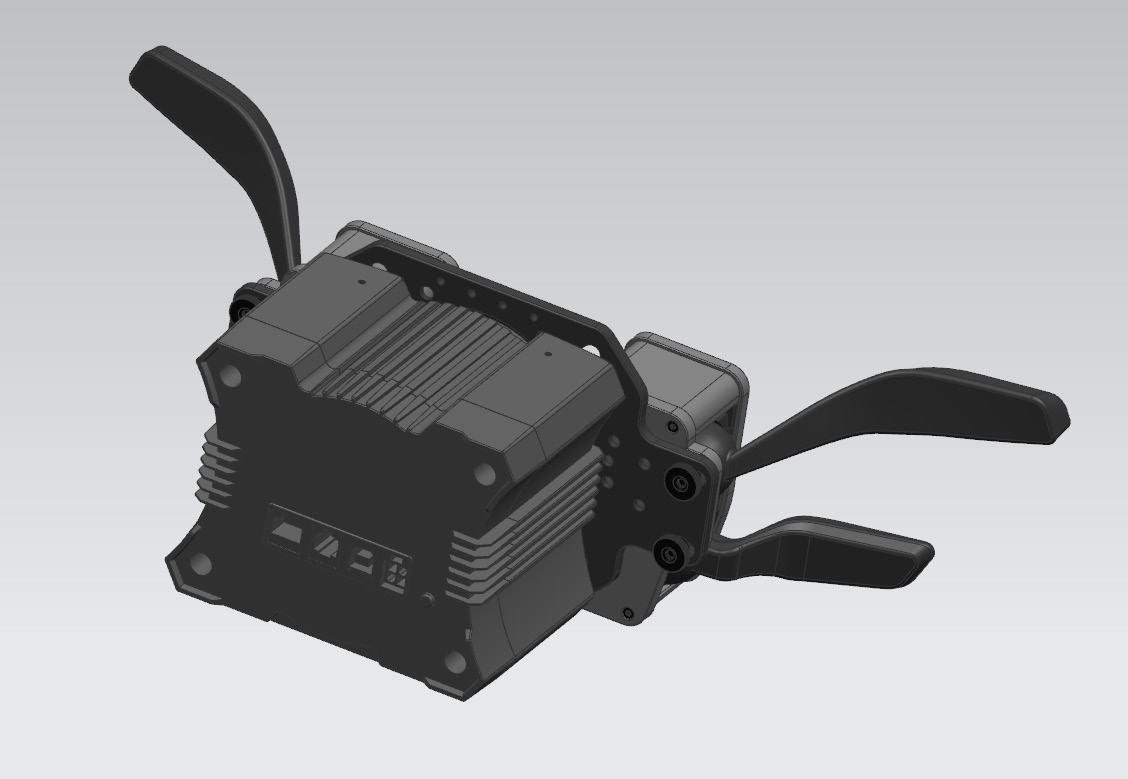
Key Module Adjustment
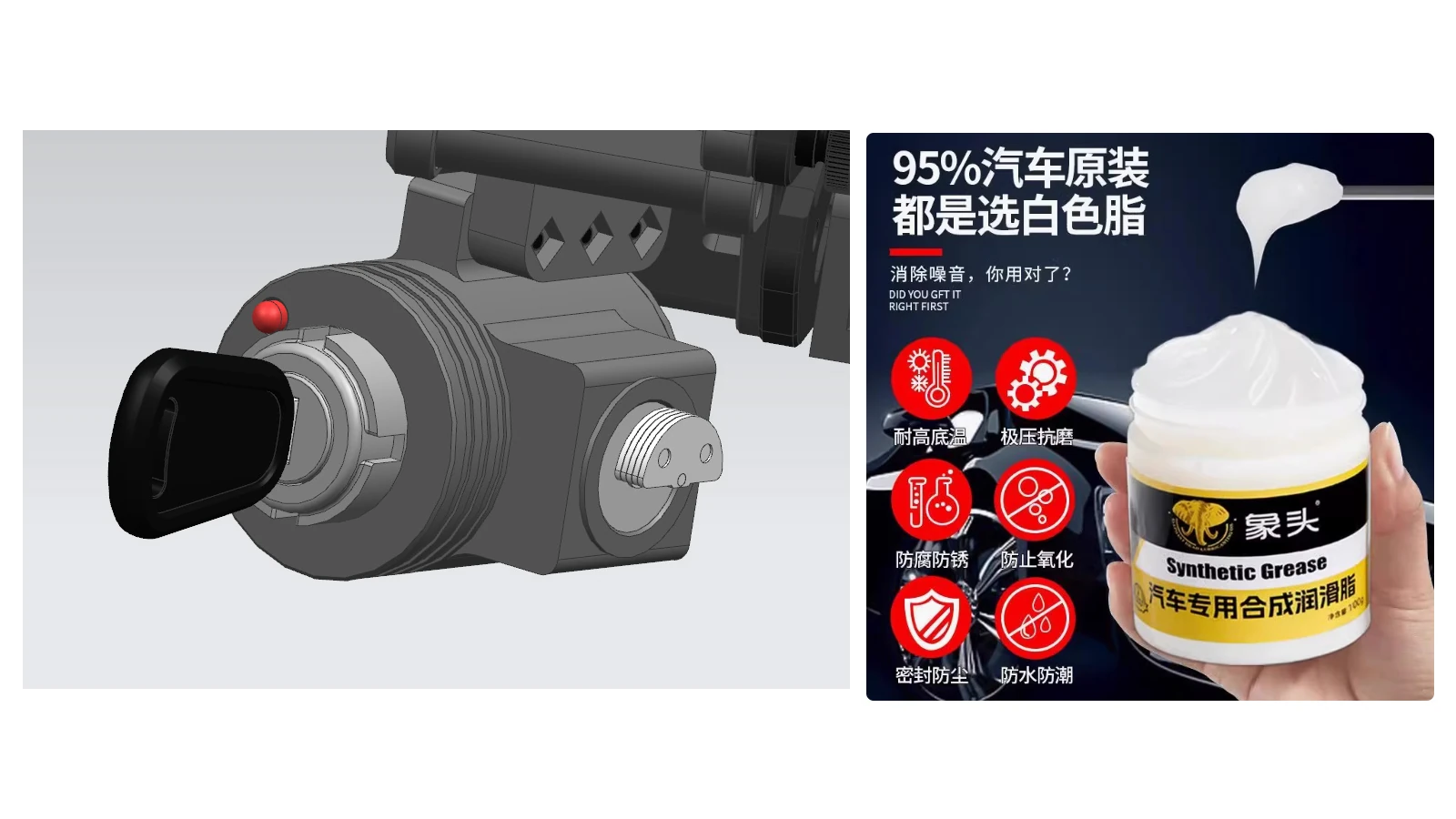
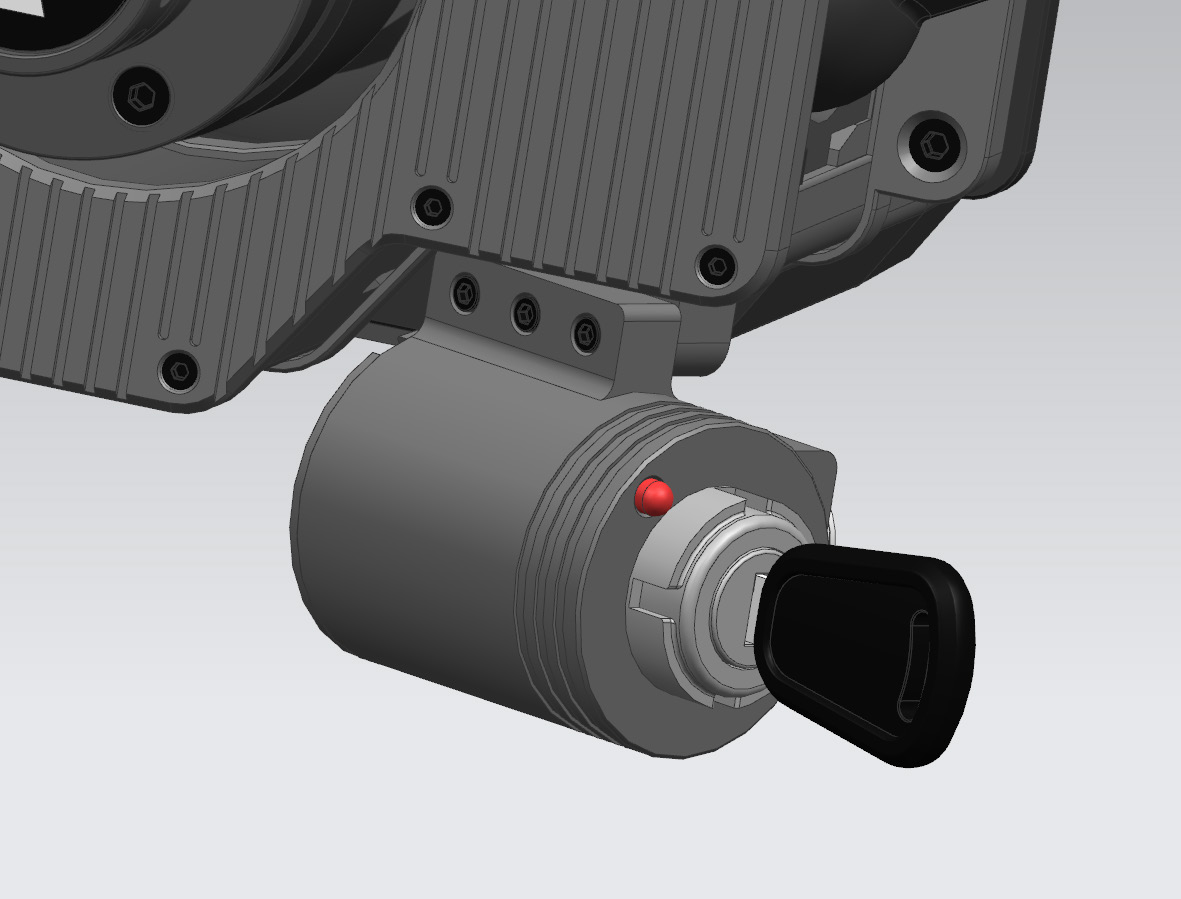
Adjust the tightness of the three screws around the key: the tighter, the more stable the key and weaker the vibration. Adjust to suitable tightness for better vibration feel.
guides.moza_r5.step7.title
guides.moza_r5.step7.description
guides.moza_r5.step8.title
guides.moza_r5.step8.description
guides.moza_r5.step9.title
guides.moza_r5.step9.description
guides.moza_r5.step10.title
guides.moza_r5.step10.description
guides.moza_r5.step11.title
guides.moza_r5.step11.description
guides.moza_r5.step12.title
guides.moza_r5.step12.description
guides.moza_r5.step13.title
guides.moza_r5.step13.description